1. Log in to the Cushon Employer Portal
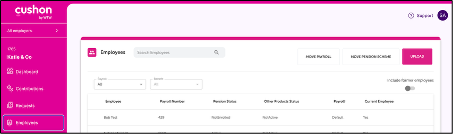
2. Navigate to Employees > Move pension scheme
3. Select the pension scheme you want to move employees from
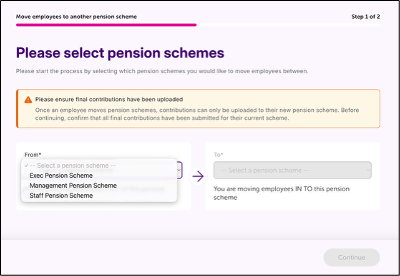
4. Select the pension scheme you want to move employees to
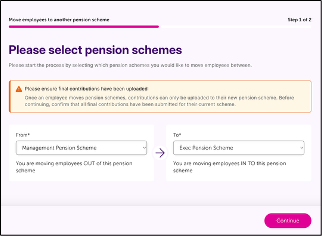
5. Click Continue
6. Select the employees you want to move. (Note: you can search using their name or payroll number)
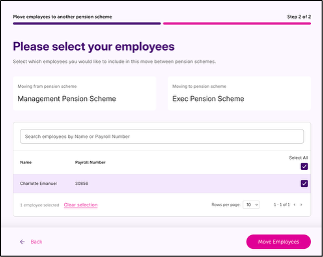
7. Click Move employees
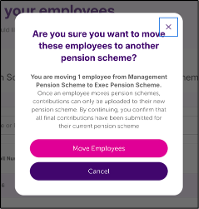
8. If you’re happy with the changes, click Move employees on the modal window